6 of 11 · Setup & Operations
6 of 11 · Setup & Operations
Setup & Operations
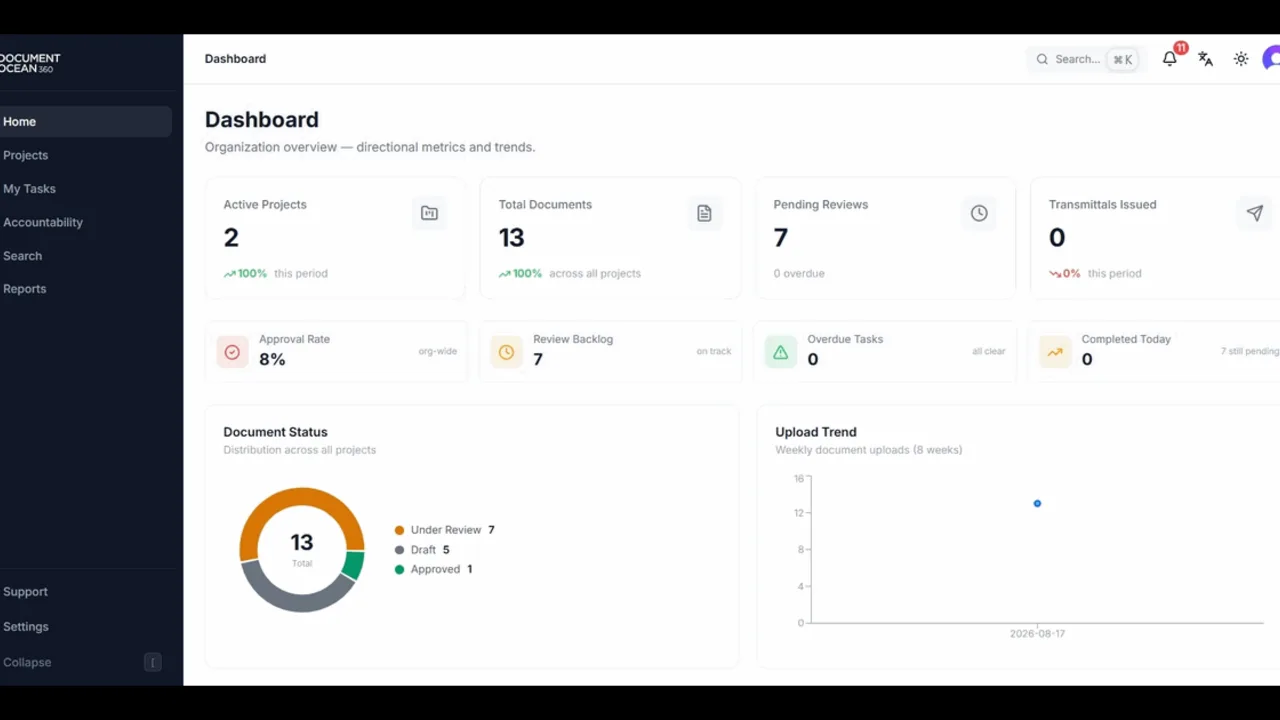
See how the dashboard pulls document counts, open tasks, and overdue reviews into one command center you can read at a glance.
Read the stats cards: total documents, documents under review, pending approvals, and overdue items.
Follow the activity feed to see who changed what, and when, across every project you can access.
Review your task list and jump straight from a task to the document it belongs to.
Use the quick navigation to move to any project, register, or workflow in a couple of clicks.